How to work with Spectoda Analytics
Manual for understanding the basic functions of Spectoda Analytics.
This guide is intended for users whose lighting installation includes a Spectoda Gateway and who have the Spectoda Analytics service active.
If you are interested in this functionality, please contact us.
Access link
After your Spectoda lighting system is installed, your project manager will send you a unique link. This link takes you directly to the overview of your lighting installation in Spectoda Analytics.
Create an account
- Click the assigned link.
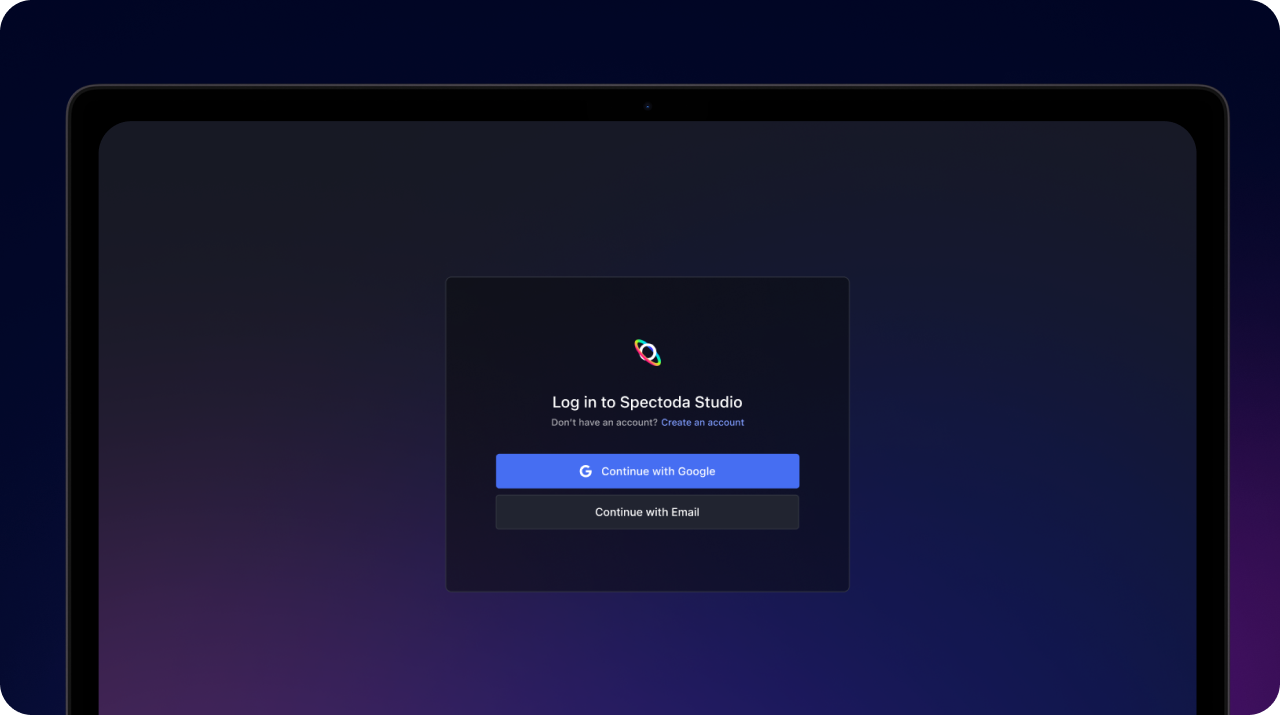
- You will be redirected to Spectoda Studio.
- Select Create an account.
- Enter your e-mail and password.
- Click the confirmation link in your e-mail.
- After registration, you will automatically reach your dashboard.
Your data is protected and only the user with this specific account has access.
Overview in Spectoda Analytics
After signing in, you will see the main analytics dashboard, which includes these sections:
Installation status
- Overview of devices that are online or offline.
- Current consumption in watts.
Operating statistics
- Lighting time of individual lights or segments.
- Option to filter data by day, week, or month.
Consumption and savings
- Estimated energy consumption based on active devices.
- Comparison with the nominal value, meaning the state of the luminaires without the control system.
- Estimated money saved thanks to control.
Diagnostics and service
- Option for remote intervention by Spectoda technicians.

Frequently asked questions
I did not receive the Spectoda Analytics access link. What should I do?
Check the Promotions, Bulk, or Spam folder in your e-mail inbox. If the link is not there, contact your project manager or Spectoda technician.
I cannot create an account. It says the username already exists.
An account may already exist for that e-mail address. Try Forgot password and request a new one.
I see fewer devices than were physically installed. Is this an error?
No. The software division into sections does not necessarily match the number and placement of physical installation elements. Analytics displays device groups as configured by the technician.
How often is the data updated?
Data is synchronized in real time if the installation is connected to the internet through Spectoda Gateway. If the connection is interrupted, data is stored locally and synchronized later.
Can I export data from Analytics?
Data export is currently available only for administrators. If you need data for analysis, contact us through your project contact.
Didn’t find what you were looking for?
Tell us what is missing. We will add the information and let you know.
Your feedback is very important to us.