NARA app
How to sign in to the NARA lamp control interface.
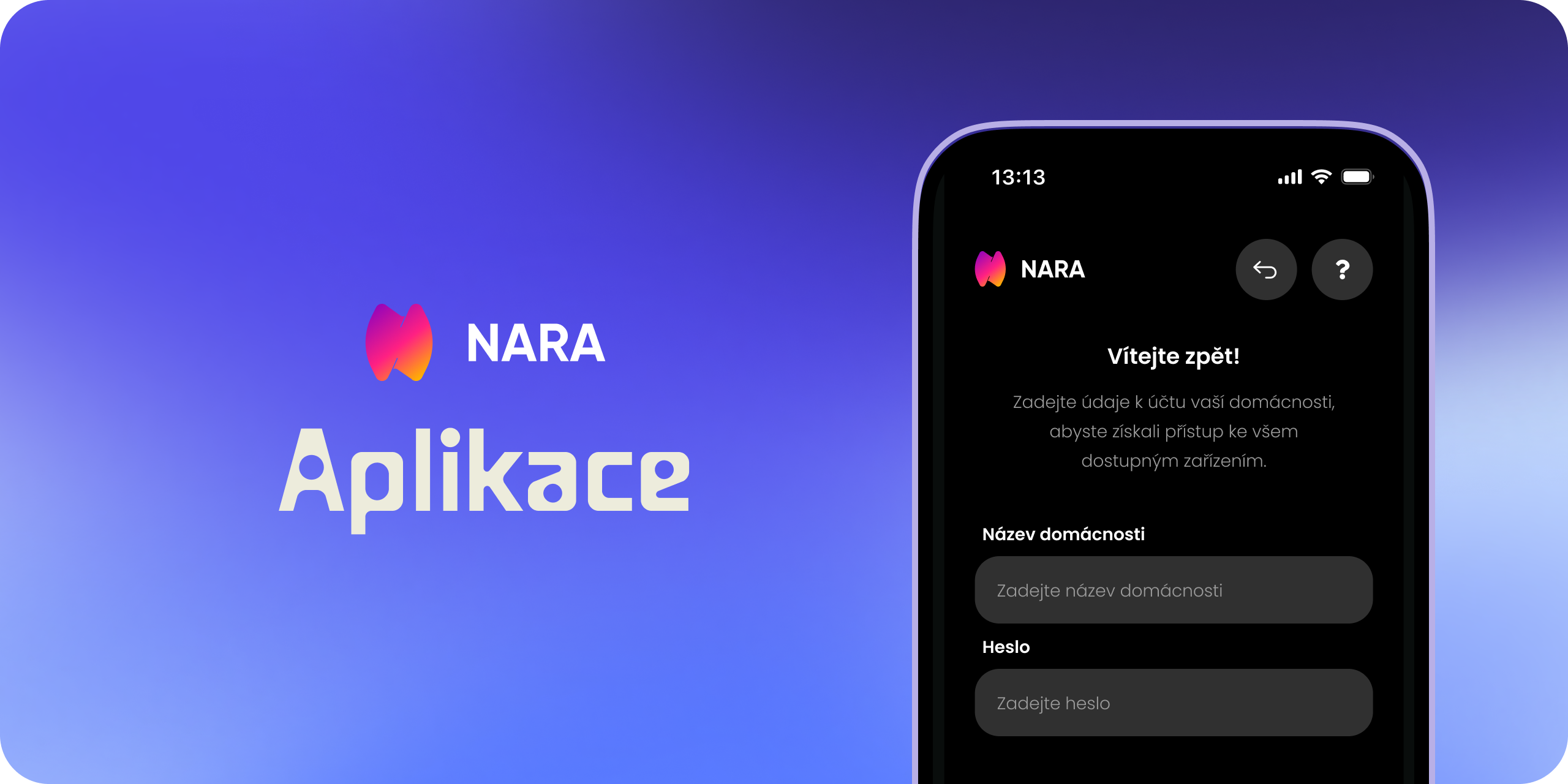
NARA is a lamp with its own control interface inside the app. You switch to this interface by changing the theme on the main screen.
Sign in to the NARA interface
Open Spectoda Connect
If you do not have the app yet, download it using the Download Spectoda Connect guide.
Switch the theme to NARA
On the main screen, tap Change Theme. Select NARA.
Sign in with the household name and password
Enter your household name and password. You received the sign-in details from your technician or supplier.
After signing in, you will see the controls for your NARA lamp.
E-mail sign-in applies only to Spectoda App v3 in Spectoda Connect.
The steps are described on the Signing in to Spectoda Connect page.
Something does not look right, or you cannot sign in? Contact us. Details are available on the Contact page.