Spectoda Connect
The end-user app for keeping Spectoda lighting installations under control.
Introduction
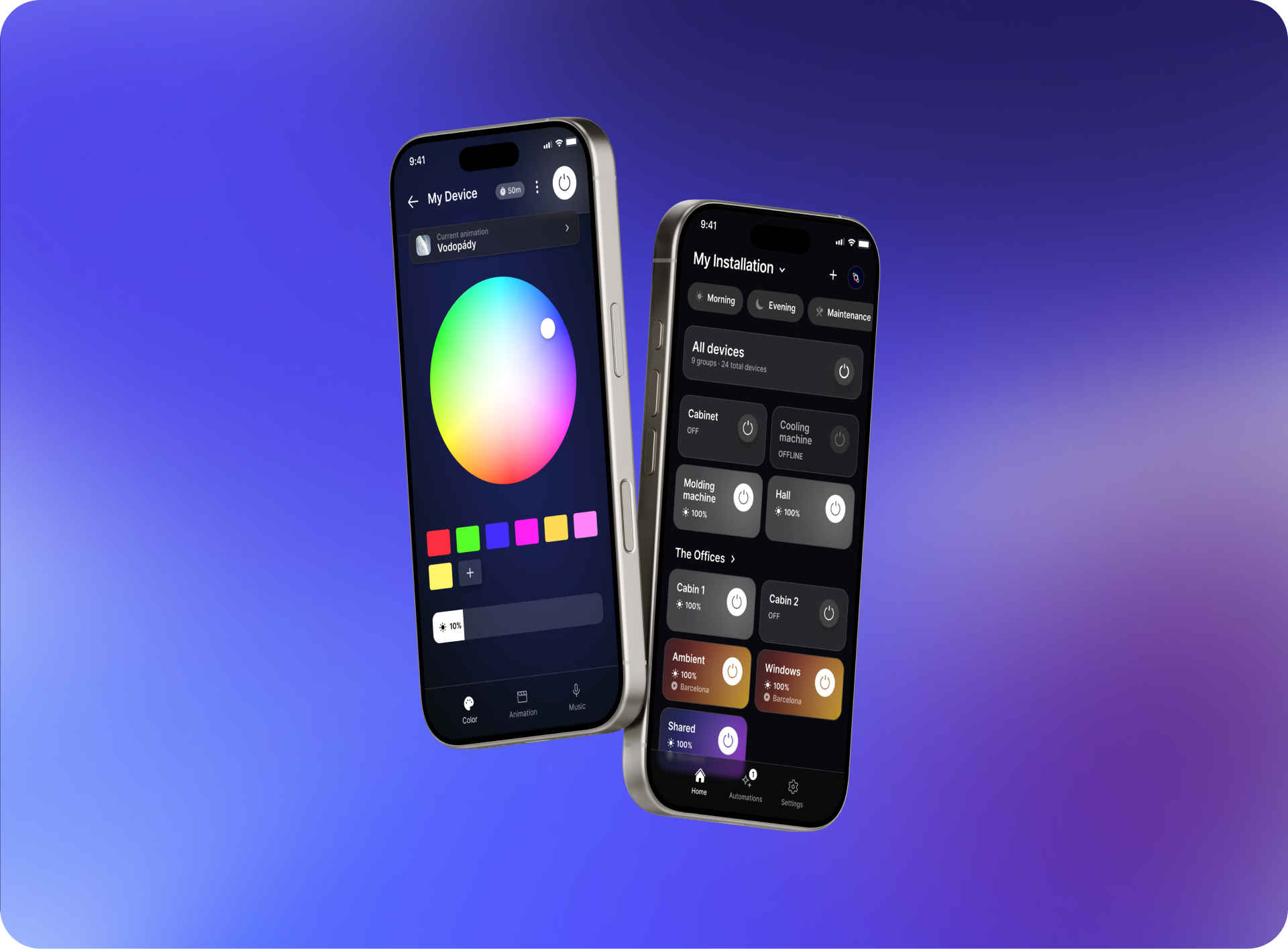
Section titled “Introduction”Spectoda Connect is a mobile app that lets users control lighting installations based on the Spectoda ecosystem. It provides access to brightness, colour, scenes, schedules and other controls prepared for a specific installation.
- Availability: iOS and Android
- Download: see Download Spectoda Connect
- Main use: everyday lighting control for end users
Main features
Section titled “Main features”- Wireless lighting control - connection to Spectoda controllers.
- Brightness and colour settings - dimming, RGB and colour temperature control where supported.
- Scenes and automation - run prepared lighting scenes and time-based scenarios.
- OTA firmware updates - update compatible Spectoda controllers from the app workflow.
- Remote access - control selected installations remotely when the project includes the required gateway and cloud service.
Frequently asked questions
Section titled “Frequently asked questions”Does Spectoda Connect support smart assistants?
Not at the moment.
Can multiple people control the lights from the app?
Yes.
Access to a Network is linked to a user account, typically an e-mail address.
- Each user signs in with their own e-mail address.
- Access can be shared by adding another user’s e-mail in the app. See How to add a new user.
Is Spectoda Connect free?
Yes. The app is free to download.