Working with the daylight sensor
User interaction with the daylight sensor (SC Daylight) through TX Ultimate
Section titled “User interaction with the daylight sensor (SC Daylight) through TX Ultimate”The daylight sensor (SC Daylight) is often connected with the TX Ultimate powered by Spectoda touch panel, which serves as the user interface for manual control and for activating automatic brightness regulation based on daylight.
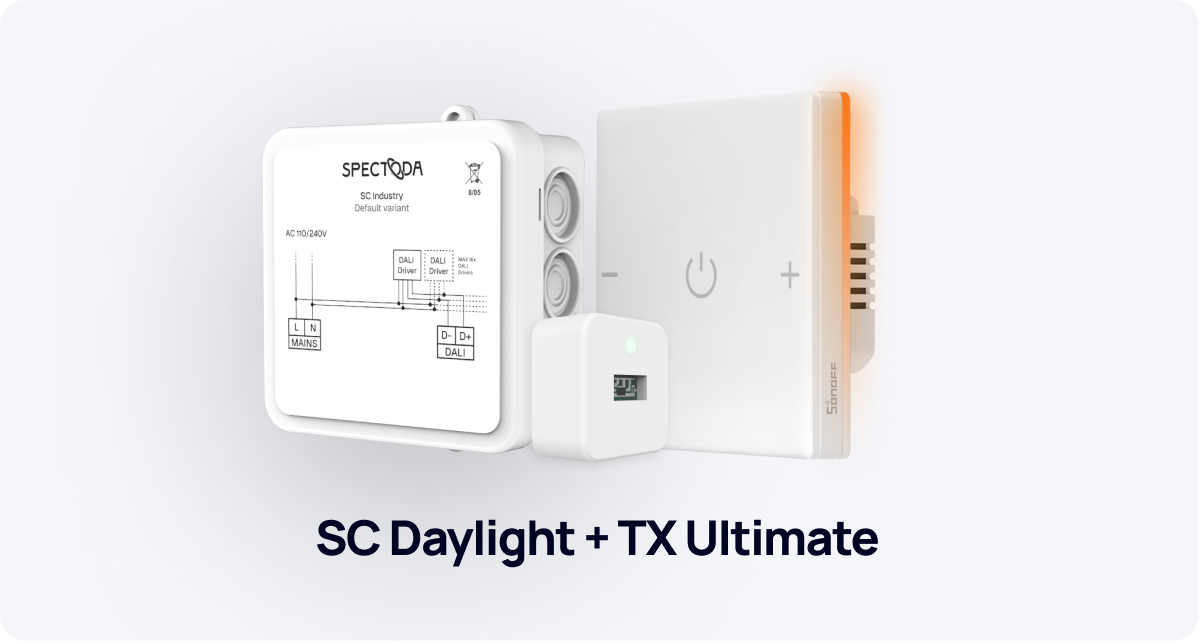
Basic control on TX Ultimate
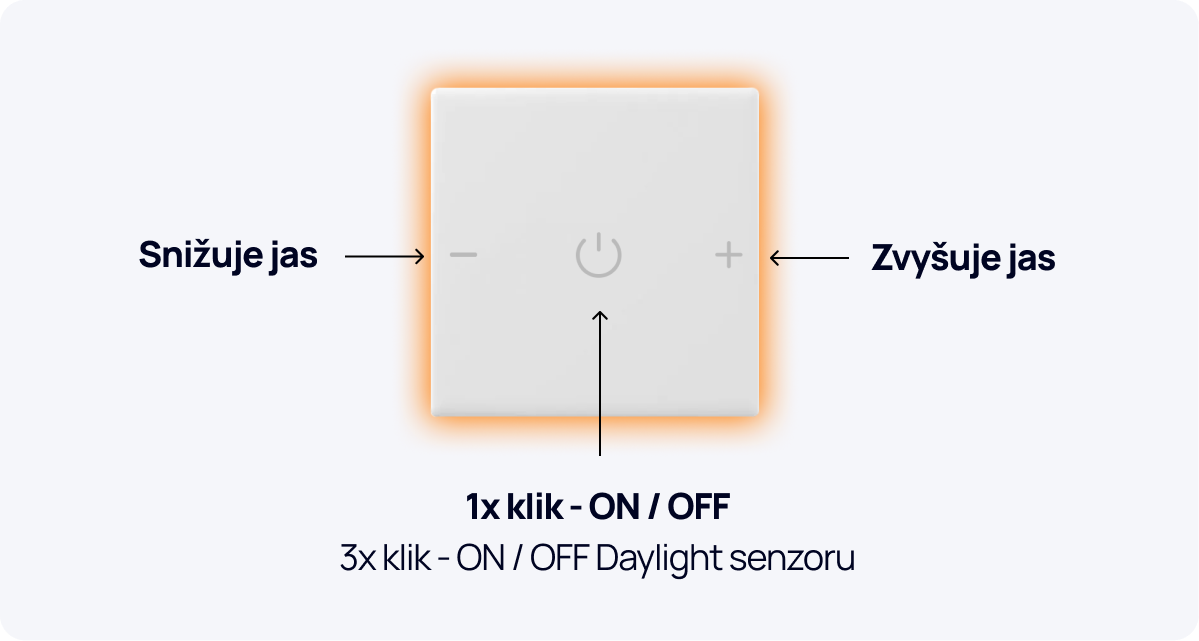
Section titled “Basic control on TX Ultimate”TX Ultimate uses three main controls:
- Middle button
Quickly turns the luminaires in the room on and off. - ”+” and ”-” buttons
Let the user adjust brightness manually by increasing or decreasing the lighting level as needed.
Activating and deactivating the daylight sensor
Section titled “Activating and deactivating the daylight sensor”Automatic regulation can be controlled directly on TX Ultimate:
- Triple-click the middle button
-> turns daylight mode on or off, enabling automatic brightness control based on the current light level in the room.
Visual feedback on TX Ultimate
Section titled “Visual feedback on TX Ultimate”The user always gets clear feedback:
- Green animation
-> The daylight sensor is active. The lighting now adjusts automatically according to the light intensity in the room. - Red animation
-> The daylight sensor is deactivated. Brightness can be controlled only manually.
What happens when the daylight sensor is active
Section titled “What happens when the daylight sensor is active”When daylight mode is on:
- The luminaires in the room automatically dim or brighten according to the current level of natural light.
- SC Daylight continuously measures illuminance and passes the data to the system.
- This keeps the light level constant and also saves energy, because the lights provide only as much output as needed.