DMX, Art-Net, sACN
Spectoda supports bidirectional communication (input + output) for classic DMX as well as network protocols such as sACN and Art-Net.
Overview
Section titled “Overview”Spectoda can combine classic lighting consoles and network controllers with the Spectoda wireless mesh network, animations and Studio-defined logic.
This type of connectivity uses dedicated controllers, for example SC Pixel Master or SC DMX. They work as a bridge between lighting protocols and the Spectoda ecosystem. Similar functions may become available on additional controllers in the future.
Bidirectional communication is configured through IO types, where DMX, Art-Net and sACN can be set up as device inputs or outputs.
Communication directions
Section titled “Communication directions”1. Input into Spectoda
Section titled “1. Input into Spectoda”- DMX input: DMX frames from a lighting console or another device are read by the controller as Events or Variables. They can then control animations, brightness, colour or speed.
- sACN / Art-Net input: network data (universes and channels) comes through an IO input and is used in Studio like any other input source.
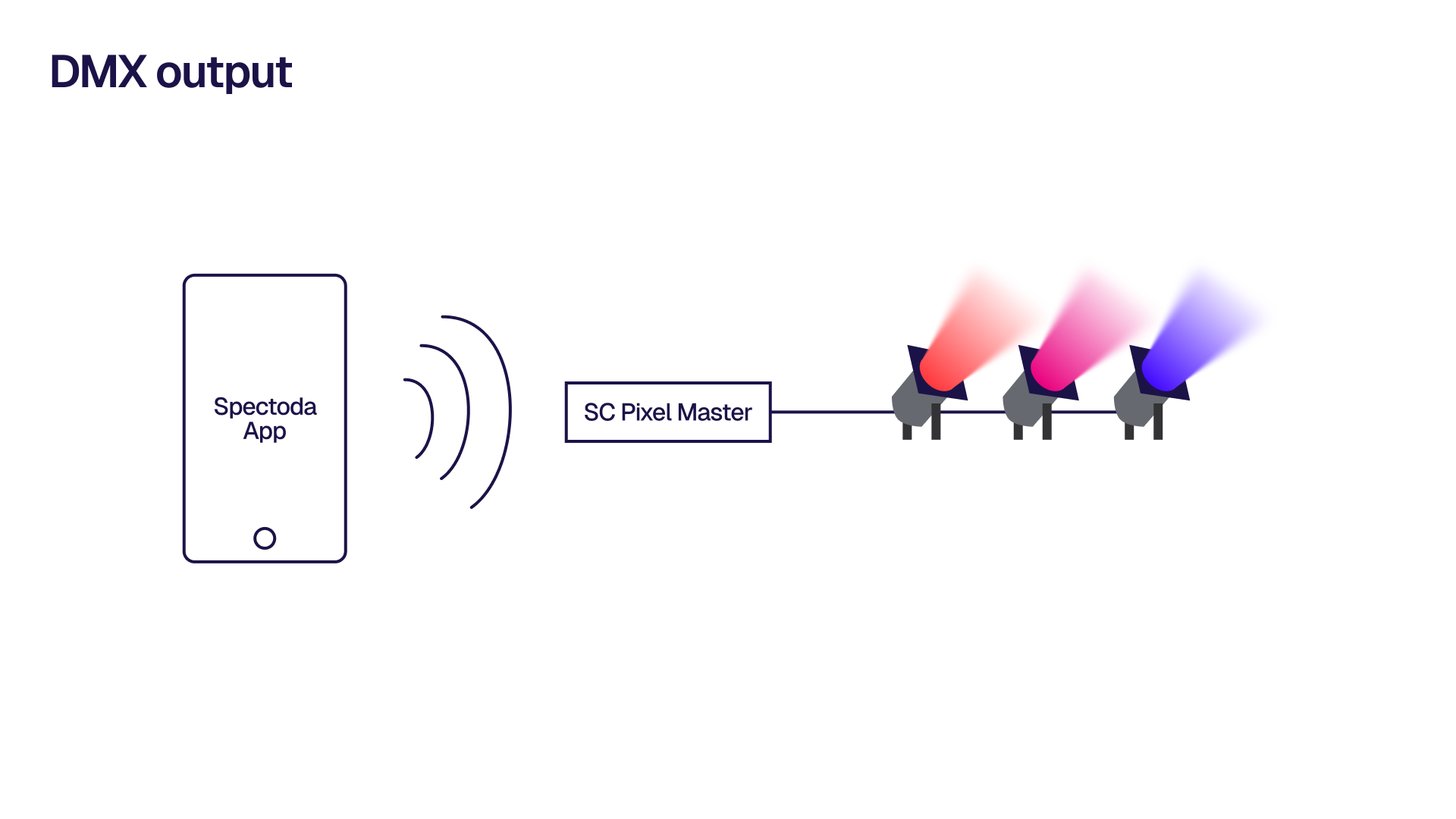
2. Output from Spectoda
Section titled “2. Output from Spectoda”- DMX output: values from Studio-defined animations or events can be sent back into the DMX world to control dimmers, moving heads or other DMX devices.
- sACN / Art-Net output: the controller can generate universes with Spectoda data that can be read by common consoles and software such as media servers or pixel mapping tools.
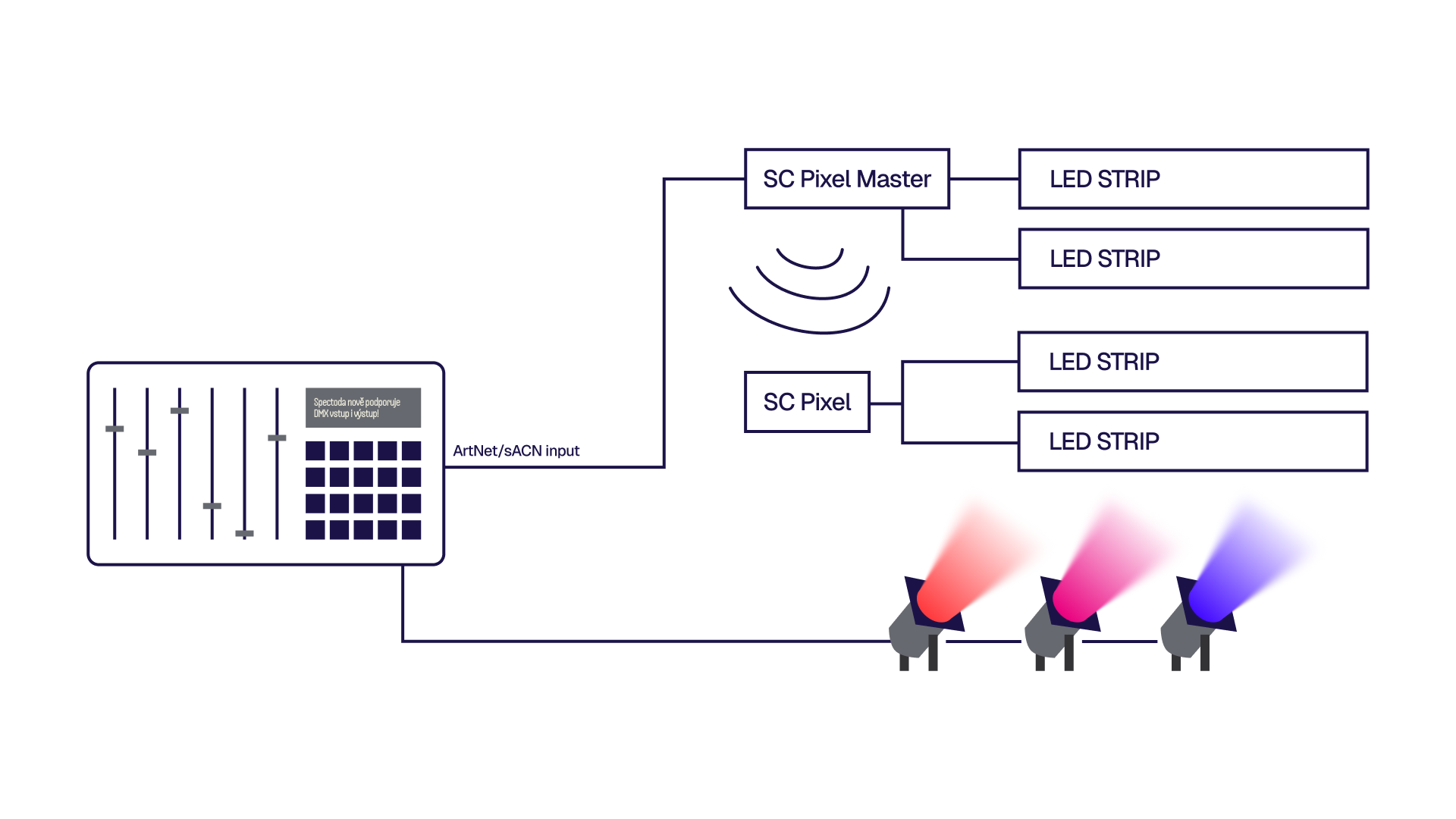
Typical topologies
Section titled “Typical topologies”- DMX console -> controller (DMX input) -> Spectoda mesh -> LED pixels / DALI / PWM
- DMX faders control animations and segments in the Spectoda network in real time.
- sACN/Art-Net (media server) <-> controller <-> Spectoda mesh
- Bidirectional data exchange makes it possible to combine external pixel mapping with Spectoda dynamics and logic.
How to set it up in Studio
Section titled “How to set it up in Studio”- Choose the IO input/output according to the source or destination of the data (DMX / sACN / Art-Net).
- Map channels to Events, Variables or Segments in the project.
- Verify the behaviour through Live controls and adjust curves or ranges if needed.
- For output, assign values from animations or manual controls to the relevant universes and channels.
Operational notes
Section titled “Operational notes”- IO types in the Spectoda ecosystem let DMX and network protocols use the same logic as pixel strips or analogue outputs.
- The mesh network is decentralized: each controller carries part of the logic and no central unit is required.
- Compatibility: Spectoda controllers can be added to existing DMX/sACN/Art-Net installations or used in new projects as a bridge between classic lighting control and wireless control.