Spectoda Gateway GEN1
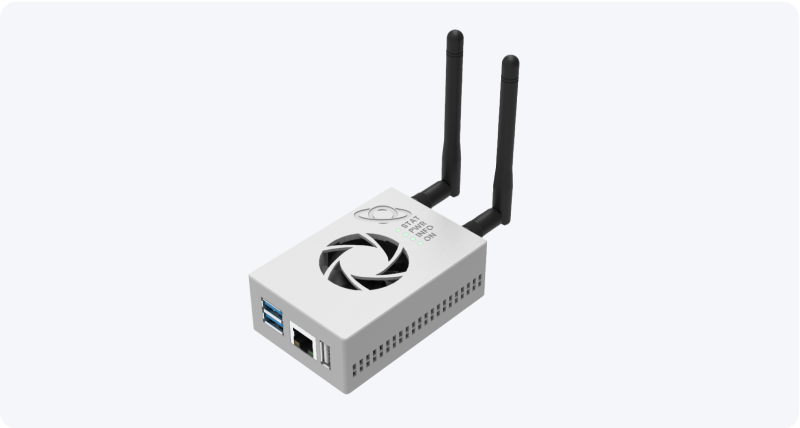
Spectoda Gateway GEN1 enables remote service, remote management, and luminaire data collection. It is not a required part of a lighting system.
Description
Section titled “Description”Gateway is a key element for modern lighting systems. It enables remote control and monitoring of luminaire status anytime and anywhere. It also acts as a bridge to additional cloud services.
It enables fast diagnostics and remote troubleshooting, which saves time and service costs. In addition, you gain insight into the energy consumption of your installation through Spectoda Analytics, making it easier to optimize luminaire operation and reduce energy costs.
Gateway is an ideal choice for users who want to keep their lighting under continuous control.
Installation manual
Section titled “Installation manual”Network requirements
Section titled “Network requirements”Gateway needs outbound internet access for cloud functions and service. The Spectoda project team provides the current network destinations for this legacy generation to the customer’s IT administrator on request.
We recommend a separate network or VLAN. Allow internet access only.
Placement
Section titled “Placement”Choose a location that meets the following requirements:
- Gateway is protected from dust
- a power socket is available
- an Ethernet internet connection is available
- it is within range of luminaires with control units (controllers)
Place Gateway no more than 40 m from the nearest controller.
Technical information
Section titled “Technical information”- 1x USB-C, 3x USB A, 1x Ethernet port, 1x HDMI port, 1x 3.5 mm audio jack.
- Power supply: USB-C, 5 V, 3 A.
Dimensions
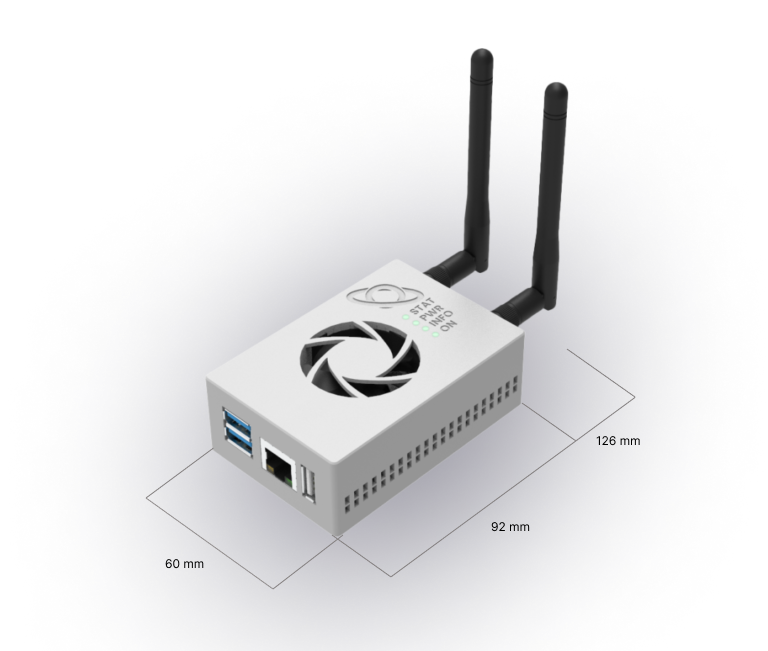
Section titled “Dimensions”- Basic dimensions (W x D x H): 60 mm x 92 mm x 32 mm, or 126 mm depth including folded antenna and 205 mm with unfolded antenna.
- Dimensions with wall mounting system: 60 mm x 92 mm x 37 mm, antenna as above.
- Dimensions with DIN rail mounting system: 60 mm x 92 mm x 44 mm, antenna as above.
Wiring diagram
Section titled “Wiring diagram”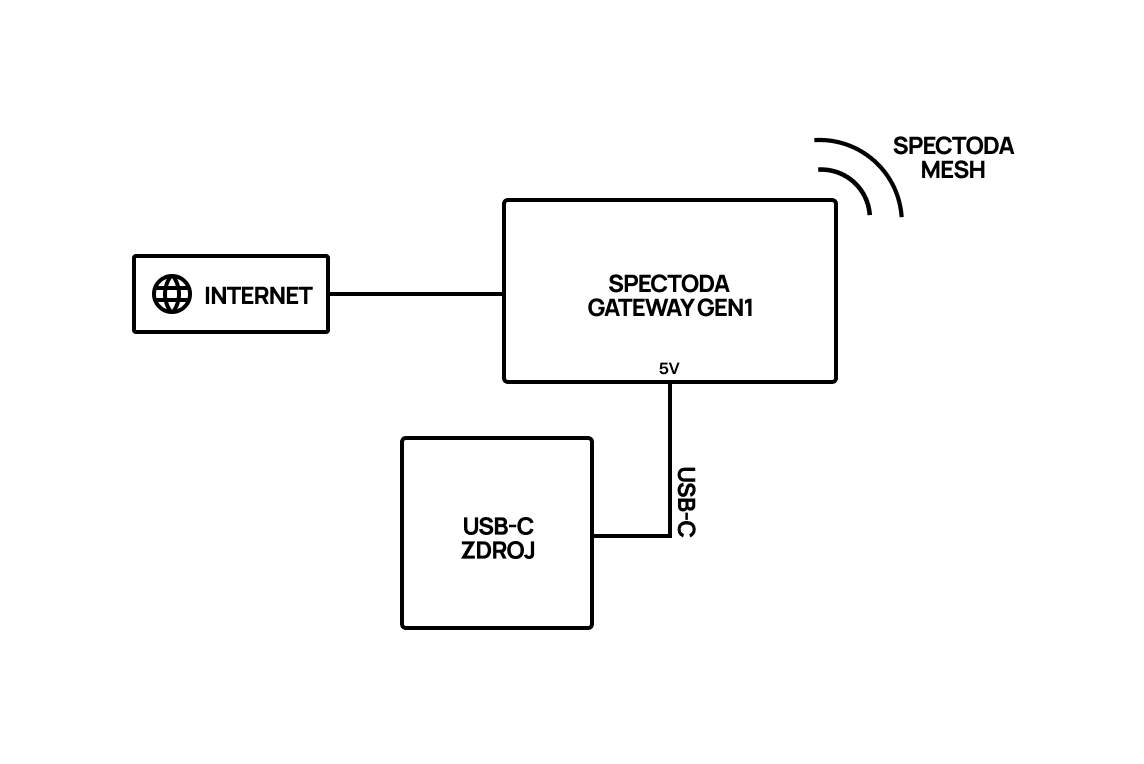
Frequently asked questions
Section titled “Frequently asked questions”Where should Spectoda Gateway be placed to get signal?
Choose a suitable location where Gateway is protected from dust, has access to a power socket, and has an Ethernet internet connection.
Also choose a location within range of luminaires with control units (controllers). Gateway should be placed no more than 40 meters from the nearest controller.
How many Gateways do I need for my installation?
One Gateway serves one Spectoda Network, meaning up to 255 Spectoda controllers.
If luminaires with controllers are placed across several floors of a building, we recommend using one Gateway per floor.
Additional information
Section titled “Additional information”More technical data is available from:
Spectoda Gateway GEN1 Datasheet 2026.pdf