Comfort for teaching
Scenes for typical situations, zoning such as board versus the rest of the classroom, and consistent controls.
How Spectoda simplifies lighting control in schools.
Schools, kindergartens, and universities typically have many rooms, including classrooms, corridors, staff rooms, dining halls, gyms, and halls. Their operation also changes throughout the day: teaching, breaks, afternoon clubs, cleaning, weekend events, and more. At the same time, the controls must be easy for people who do not want to deal with technology.
Spectoda brings intelligent lighting control built on a wireless mesh network without a central unit. This simplifies reconstruction and retrofit projects, allows the system to scale in stages, and keeps light behavior consistent across the building.
Comfort and savings: teachers get the same controls in every classroom, such as teaching, projection, and cleaning, while automation prevents unnecessary lighting. In typical cases, savings can reach up to 40%.
Comfort for teaching
Scenes for typical situations, zoning such as board versus the rest of the classroom, and consistent controls.
Automation
Reaction to presence and daylight, plus operating modes based on the schedule.
Savings
Up to 40% by avoiding lighting in empty rooms and reducing output based on daylight.
Management and service
Over-the-air updates, remote tuning, and diagnostics.
Flexibility
Easy zone changes when room use changes, and gradual expansion by floor or building.
Spectoda runs as a decentralized mesh network:
More details are available on the Communication page.
Automatic mode is the foundation of savings and comfort. Lights behave according to the environment:
Practical guide: Working with the daylight sensor.
Manual mode is for quick situations during teaching. The user selects a scene or adjusts brightness without setup work:
Recommended interface for schools: TX Ultimate powered by Spectoda.
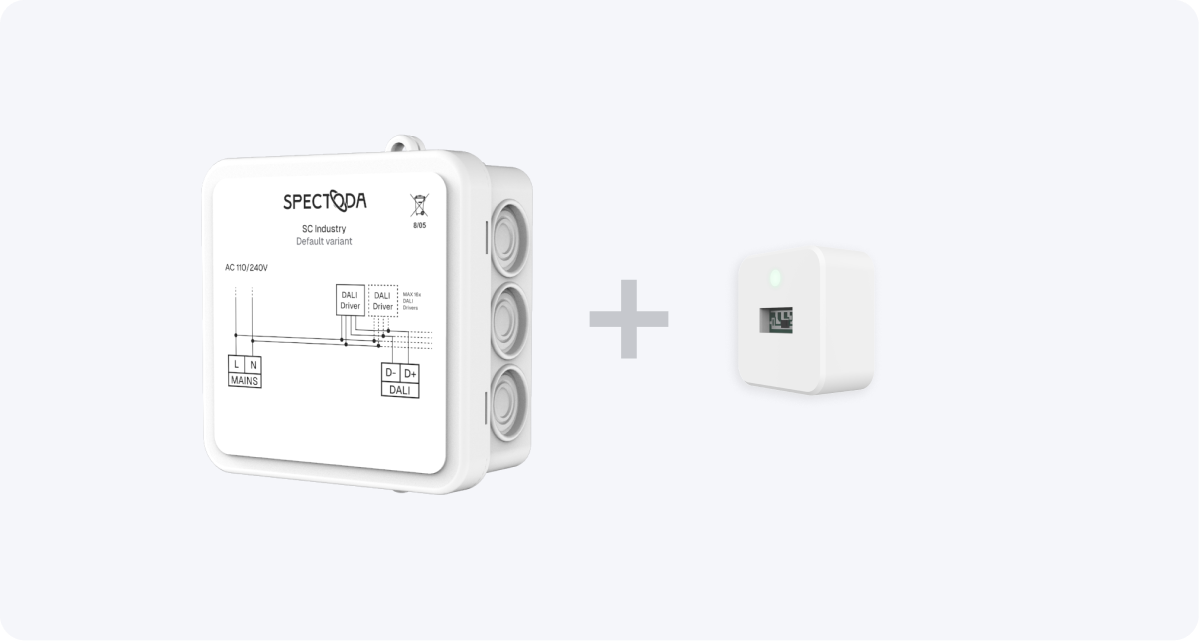
SC Daylight
Daylight harvesting, typically for classrooms near windows.
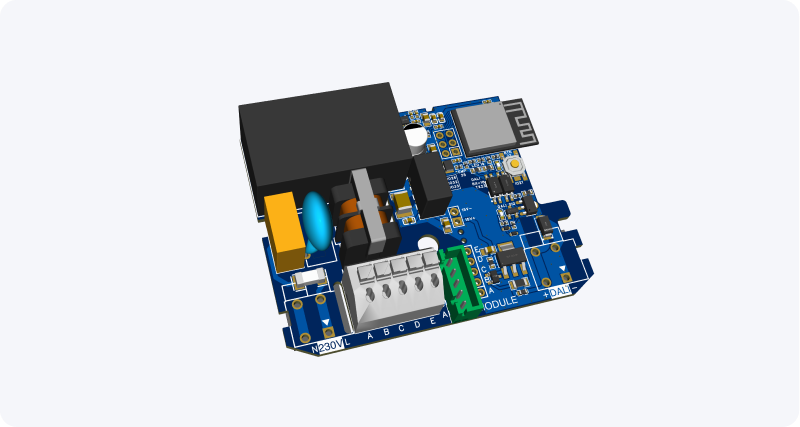
SC Industry One
Simple control of one DALI driver, suitable for staged retrofit projects and repeated room types.
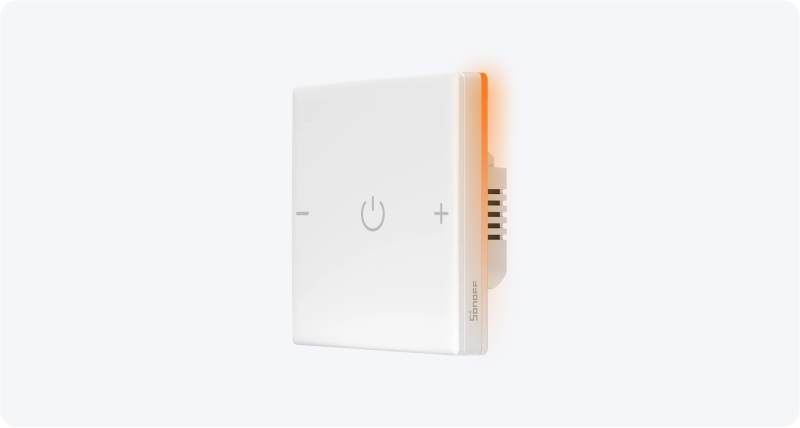
TX Ultimate powered by Spectoda
Wall control for scenes such as teaching, projection, and cleaning, plus quick brightness adjustment.
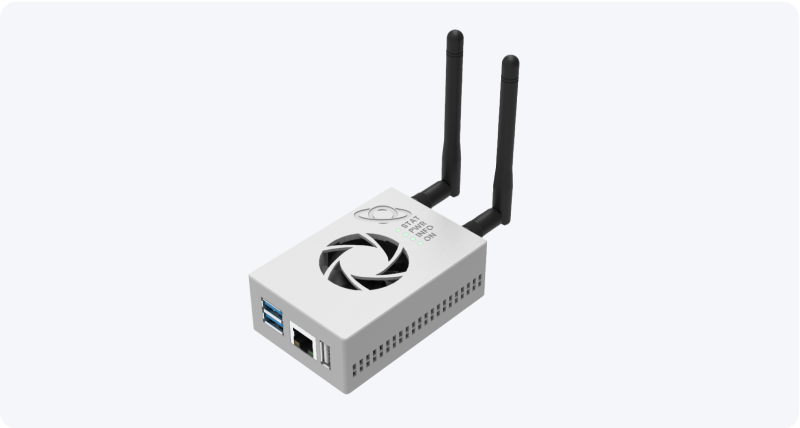
Spectoda Gateway
Remote service, remote management, and data collection into cloud analytics.
The exact setup depends on the type of luminaires and required automation, but schools typically combine:
Didn’t find what you were looking for?
Tell us what is missing. We will add the information and let you know.
Your feedback is very important to us.