Spectoda HandHold Control
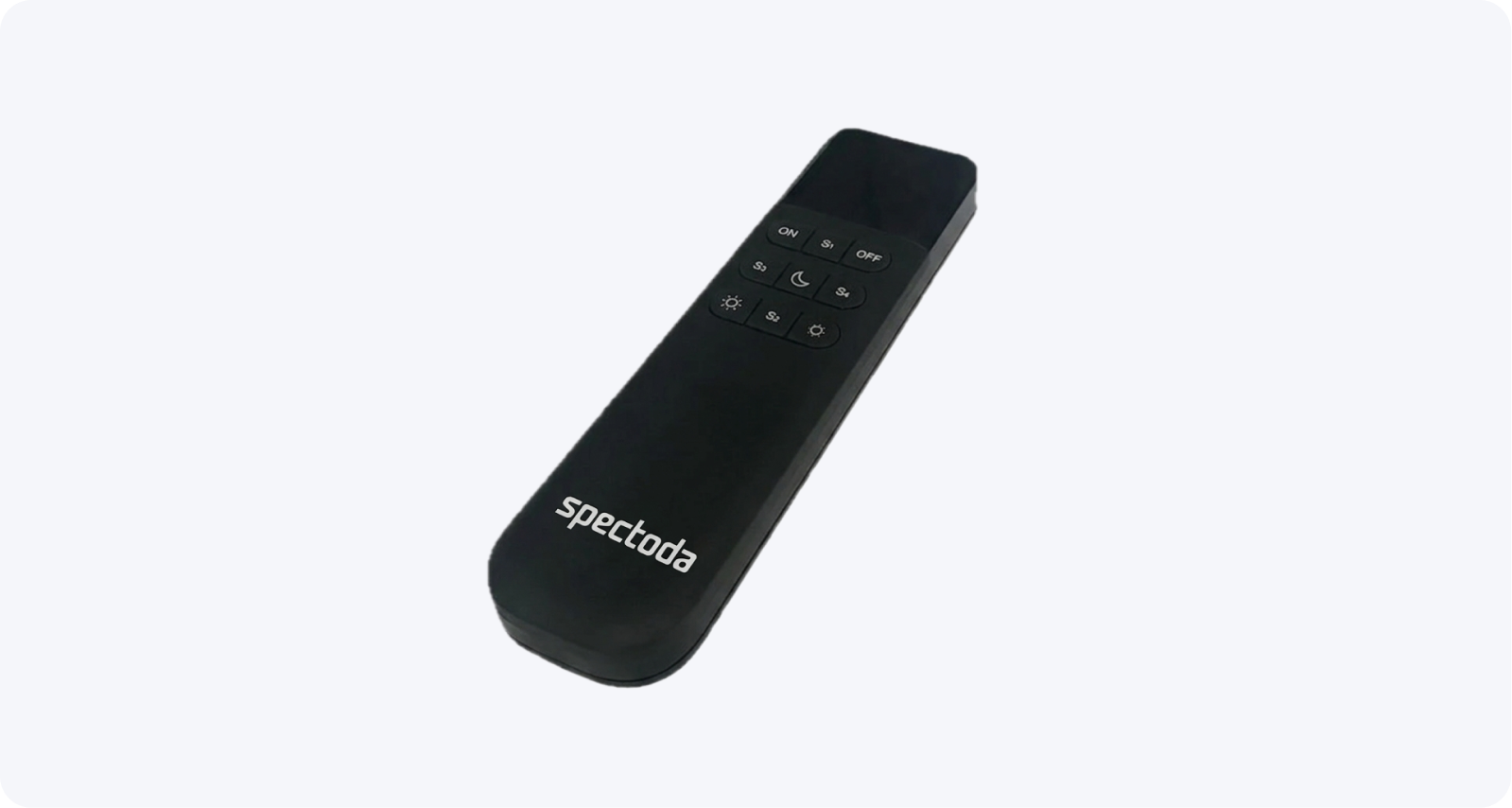
Wireless handheld controller for local Spectoda Network control with programmable buttons.
Description
Section titled “Description”Order code: SPE10301A-X-IA
HandHold Control is a wireless handheld controller designed for comfortable local control of installations in the Spectoda ecosystem. The device is built on the ESP32-C3 microcontroller and communicates over ESP-NOW in the 2.4 GHz band, so it can be integrated directly into a Spectoda network.
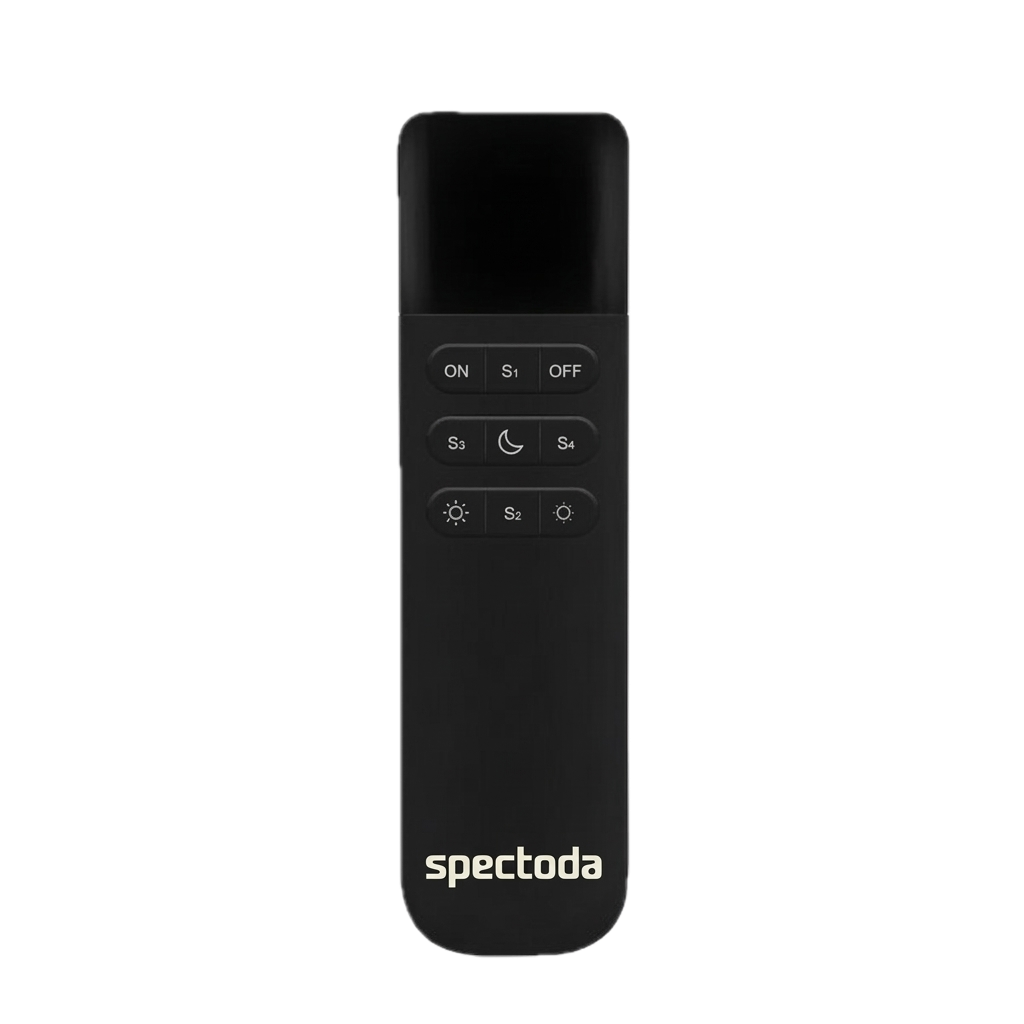
The controller has 9 programmable buttons whose functions can be changed according to the needs of a specific installation. It is intended mainly for local control without needing to use a phone or tablet.
Product description
Section titled “Product description”- Local control without needing a phone or tablet.
9programmable buttons for comfortable installation setup and control.ESP32-C3hardware platform.- Wireless communication in the Spectoda network over
ESP-NOW. - Power supply from
2x AAA,1.5 V.
Use within the Spectoda ecosystem
Section titled “Use within the Spectoda ecosystem”HandHold Control is designed to work smoothly within the Spectoda ecosystem. Thanks to direct integration into a Spectoda network, it enables:
- Local control of light scenes without using a phone or tablet.
- Switching between space operating modes directly from the controller.
- Quick activation of preset functions through the
S1-S4buttons. - Inclusion in a Spectoda project as a mobile control point for operators.
Key features
Section titled “Key features”- Wireless handheld controller for comfortable local installation control.
9user-programmable buttons.- Communication over
ESP-NOWin the2.4 GHzband. ESP32-C3hardware platform.- Powered by
2x AAAbatteries. - Compact body with
IP20protection.
Wiring diagram
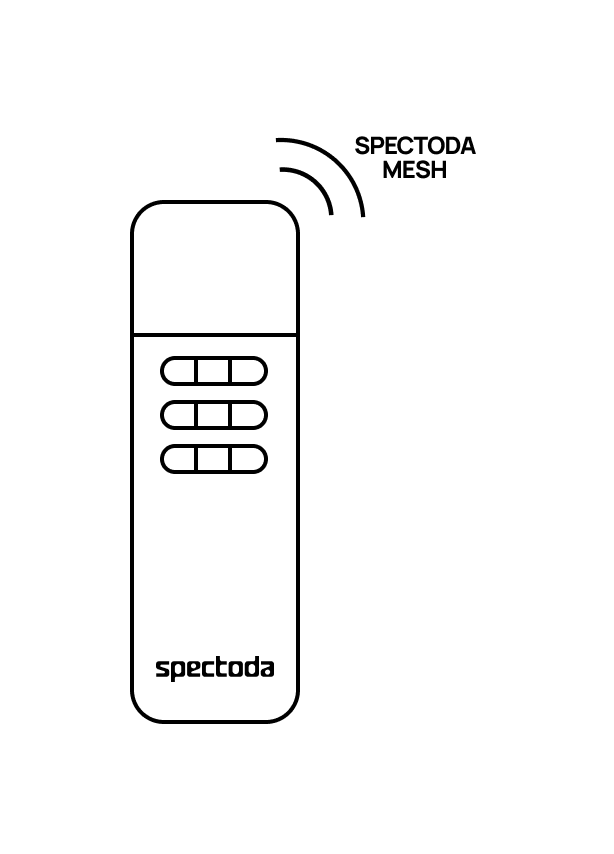
Section titled “Wiring diagram”HandHold Control works in an installation as a wireless input element for local control. Practical setup depends on the configuration of the specific Spectoda network and button mapping in the project.
Technical specifications
Section titled “Technical specifications”| Parameter | Value |
|---|---|
| Order code | SPE10301A-X-IA |
| Power supply | 3 V, 2x AAA, 1.5 V batteries |
| Consumption | < 13 uA in standby mode |
| Microcontroller | ESP32-C3 |
| Wireless communication | ESP-NOW, 2.4 GHz |
| Programmable buttons | 9 user-configurable buttons |
| Operating temperature | -20 degC to +45 degC |
| Operating humidity | 10% - 80% RH non-condensing |
| Unit dimensions | 39 x 16 x 143 mm |
| Weight | 51 g |
| Material | PC |
| Protection rating | IP20 |
Recommended operating values
Section titled “Recommended operating values”| Parameter | Min | Typ | Max | Unit |
|---|---|---|---|---|
| Power supply | - | 3 | - | V |
| Standby current | - | - | < 13 | uA |
| Operating temperature | -20 | - | +45 | degC |
| Relative humidity | 10 | - | 80 | % RH |
Programmable button overview
Section titled “Programmable button overview”| Button | Basic function | Description |
|---|---|---|
ON | On | Turns the installation on |
OFF | Off | Turns the installation off |
Brightness + | Brightness + | Increases luminaire brightness |
Brightness - | Brightness - | Decreases luminaire brightness |
Night light | Night mode | Button for enabling night mode |
S1-S4 | - | Programmable for custom functions |
Functions and use
Section titled “Functions and use”- Local installation control without a mobile app connection.
- Option to enable night mode.
- Quick selection of up to four different scenes through the
S1-S4buttons.
Installation instructions
Section titled “Installation instructions”- Insert
2x AAAbatteries with the correct polarity. - Verify that the controller is intended for the specific Spectoda installation and has the matching configuration prepared.
- Add the controller to the Spectoda project and map the buttons to the required functions.
- Test all buttons in the real installation space.
- Verify communication range and stability where it will be used.
Safety information
Section titled “Safety information”- Protect the controller from direct sunlight, high humidity, and extreme temperatures.
- Use only recommended battery types and remove discharged batteries immediately.
- Clean the controller with a dry or slightly damp cloth and avoid aggressive chemicals.
- Do not continue using the controller if the enclosure is damaged.
Visualization
Section titled “Visualization”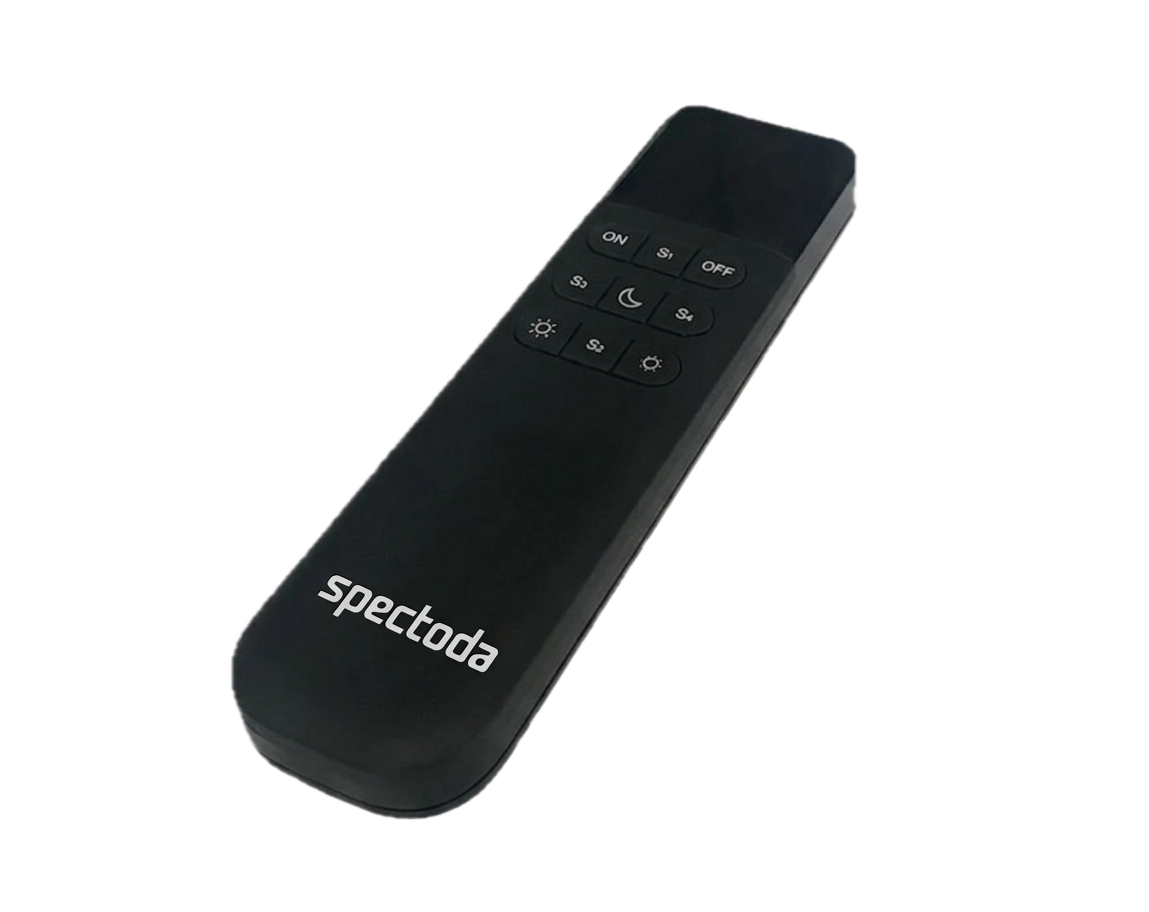
Documentation
Section titled “Documentation”Spectoda HandHold Control Datasheet.pdf
Spectoda HandHold Control - User manual [CZ].pdf
Spectoda HandHold Control - CE - 2026 [PDF]