Spectoda Gateway GEN2
'Order code: SPE10202A-X-IA, SPE10202A-SI-IA (variant with SIM module)'
A communication gateway that connects the local Spectoda network to cloud services and enables remote installation management, monitoring, diagnostics, and OTA updates without on-site intervention.
Description
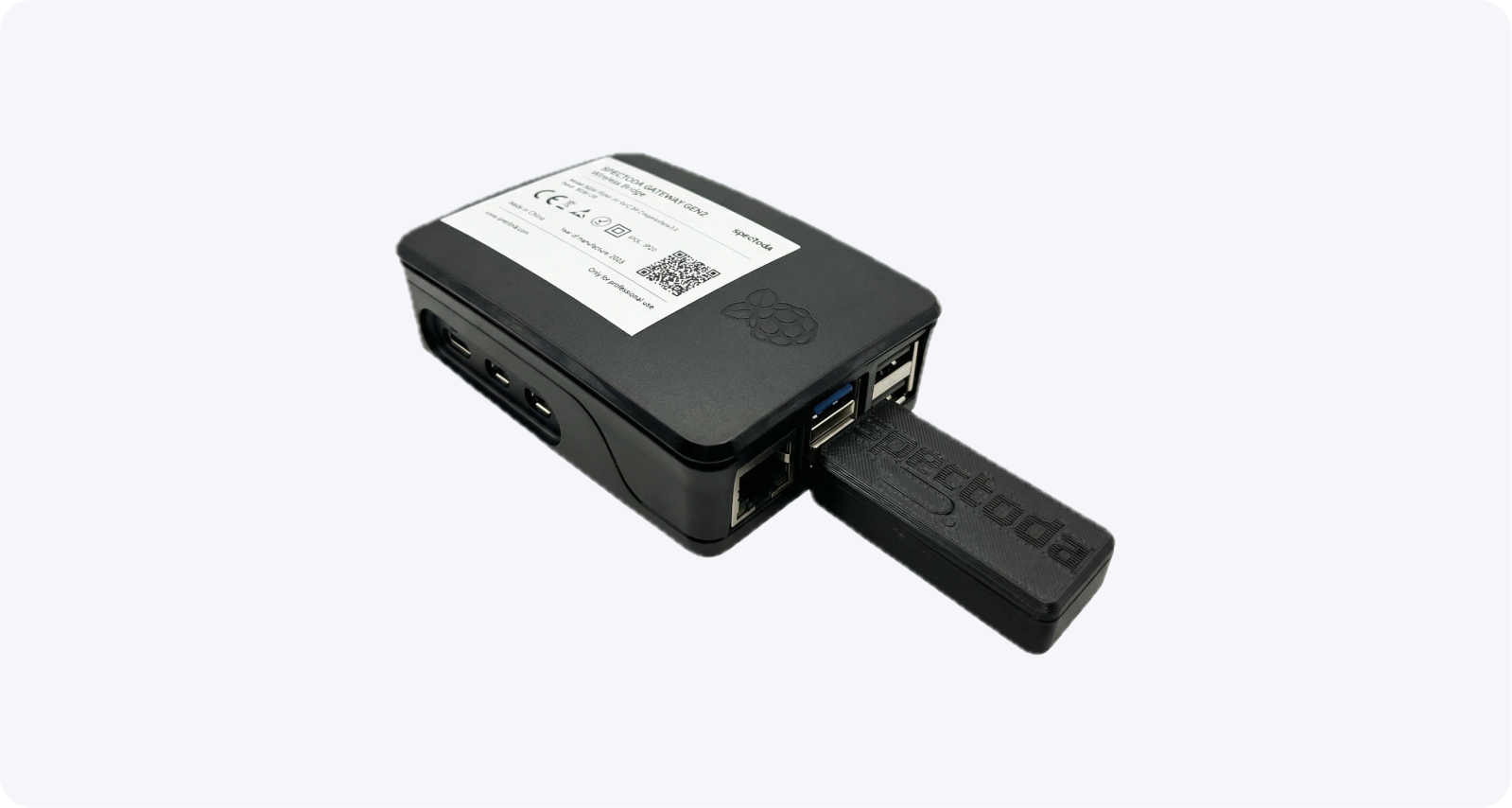
Gateway GEN2 acts as a bridge between the local installation and the cloud. It is suitable for projects where devices need to stay online, service needs to be performed remotely, and stable long-term operation is required even in larger or more segmented installations.
It enables fast diagnostics and remote troubleshooting, which saves time and service costs. In addition, you gain insight into the energy consumption of your installation through Spectoda Analytics, making it easier to optimize luminaire operation and reduce energy costs.
Gateway is an ideal choice for users who want to keep their lighting under continuous control.
Technical specifications
| Function | Connects the local Spectoda network to the cloud |
|---|---|
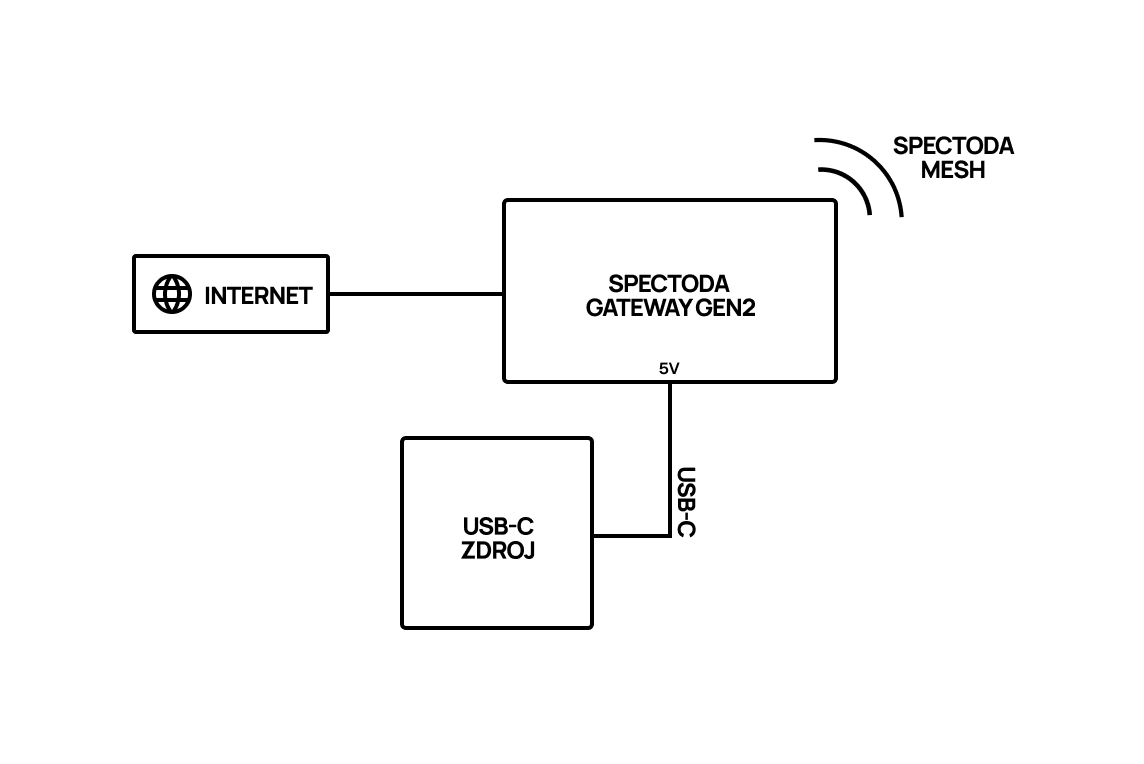
| Power supply | 5 V DC via USB-C |
| Recommended power supply | 3 A source |
| Network connection | Ethernet (RJ-45) |
| Recommended placement | Dry, ventilated location with internet access |
| Recommended range to controllers | Approximately up to 40 m from the nearest controller |
| Enclosure dimensions | 70 mm x 96 mm x 28 mm |
Connection interfaces
| Interface | Function |
|---|---|
| USB-C | Device power |
| RJ-45 | LAN / internet network |
| Wireless communication | Connection to the local Spectoda network |
| Service interface | Service and diagnostics according to documentation |
| USB-A | For connecting SC Dongle and SIM module |
Available variants
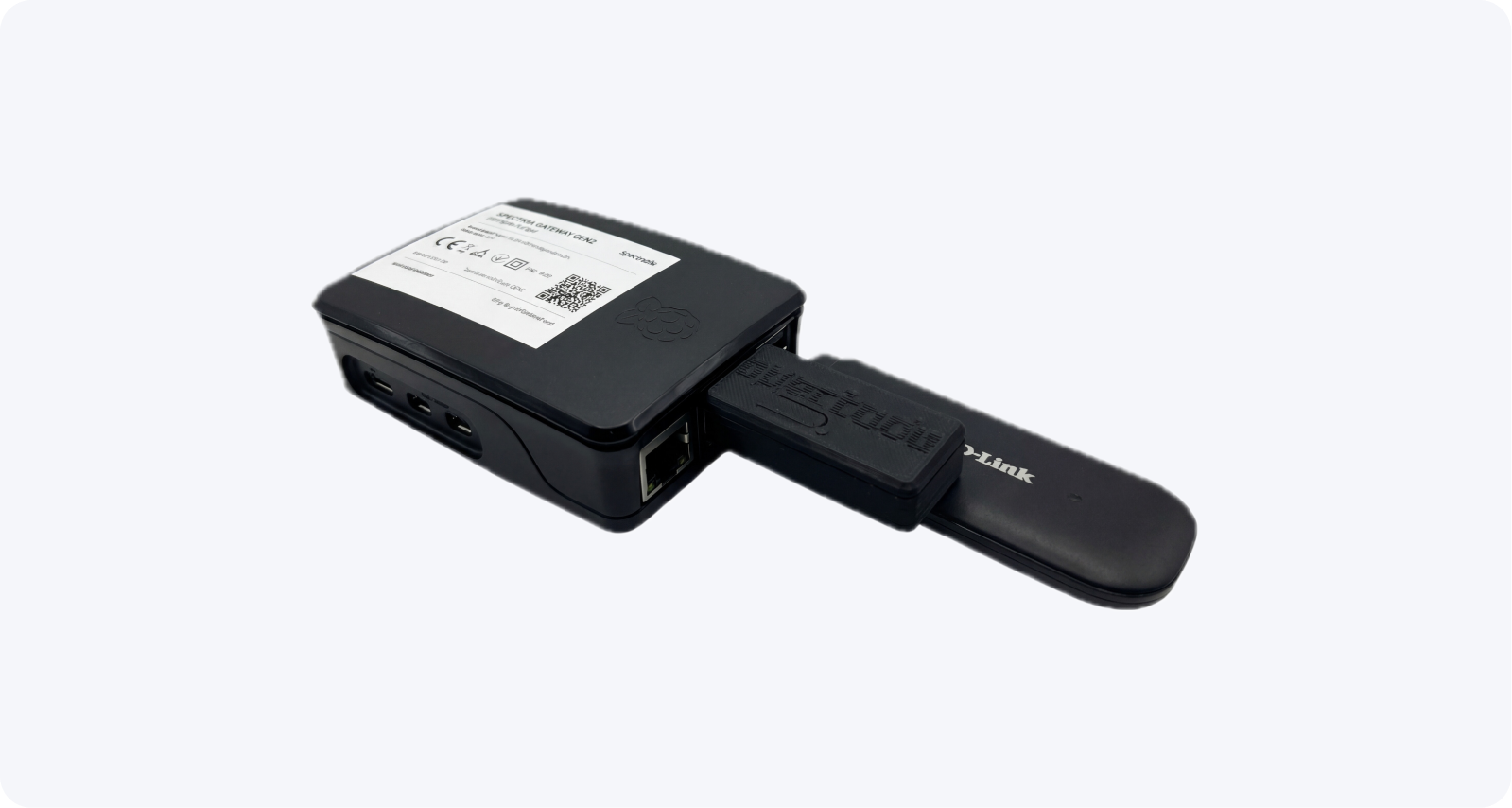
Spectoda Gateway GEN2 is available in two variants. In addition to the basic Ethernet variant, a variant with an expansion SIM module is available. It allows the gateway to connect through a mobile network and removes the need for an Ethernet connection.
Basic variant with order code: SPE10202A-X-IA
Variant with SIM module and order code: SPE10202A-SI-IA
Installation manual
Network requirements
Gateway needs outbound internet access for cloud functions and remote service. All connections are initiated by Gateway; a public IP address and inbound port forwarding are not required.
We recommend a dedicated IoT network or VLAN without access to the customer’s other internal networks. The network must provide local DHCP, DNS, and time synchronization and allow encrypted outbound communication over TCP 443.
The Spectoda project team provides the detailed list of network destinations and planned maintenance requirements to the customer’s IT administrator on request. The current document is available in Czech.
Placement
Choose a location that meets the following requirements:
- Gateway is protected from dust
- a power socket is available
- an Ethernet internet connection is available; for the SIM module variant, pay attention to mobile network signal quality
- it is within range of luminaires with control units (controllers)
Place Gateway no more than 40 m from the nearest controller.
Wiring diagram
Frequently asked questions
Where should Spectoda Gateway GEN2 be placed to get signal?
Choose a suitable location where Gateway is protected from dust, has access to a power socket, and has an Ethernet internet connection. If you use the SIM module version, place the gateway where it has good mobile network signal. Also choose a location within range of luminaires with control units (controllers). Gateway should be placed no more than 40 meters from the nearest controller.
How many Gateways do I need for my installation?
One Gateway serves one Spectoda Network, meaning up to 255 Spectoda controllers.
If luminaires with controllers are placed across several floors of a building, we recommend using one Gateway per floor.
Additional information
More technical data is available from:
Spectoda Gateway GEN2 Datasheet 2026.pdf
Gateway GEN2 - User manual [CZ].pdf
Spectoda Gateway GEN2 - CE - 2026.pdf
For customer network approval, request the current Czech Network requirements document from the Spectoda project team.